How it works
Memorise, tilt, recall. About a minute a run.
-
Scan the company code
The first time you open the app it asks for a company code — point the camera at the one at the bottom of this page. You only do this once.
-
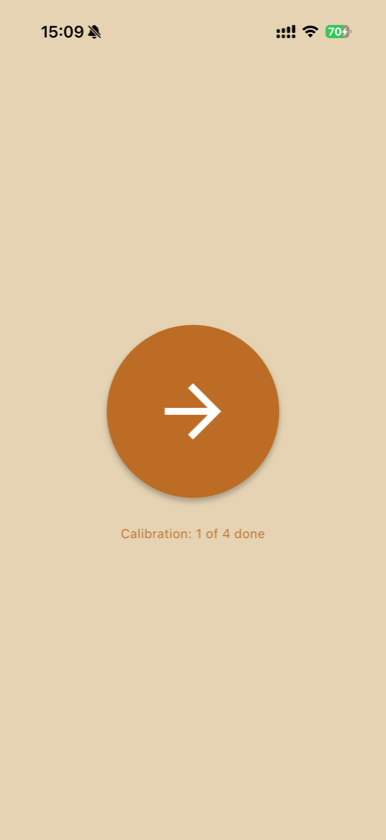
Start a run
Tap the arrow. Long-press it instead if you ever need to re-scan the company code.
-
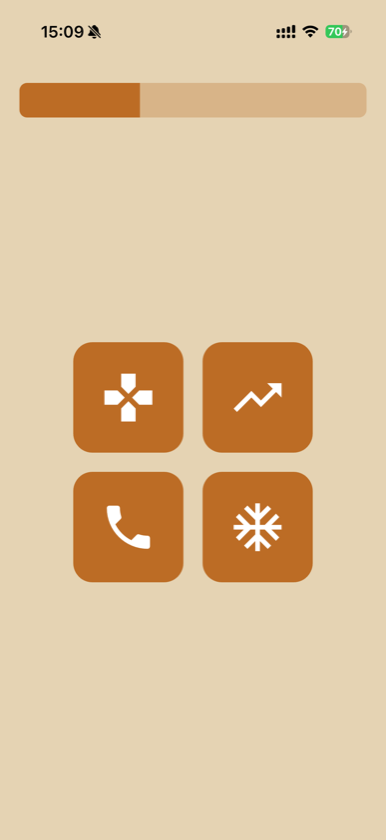
Memorise four icons
They show for five seconds. No input needed — just look at them.
-
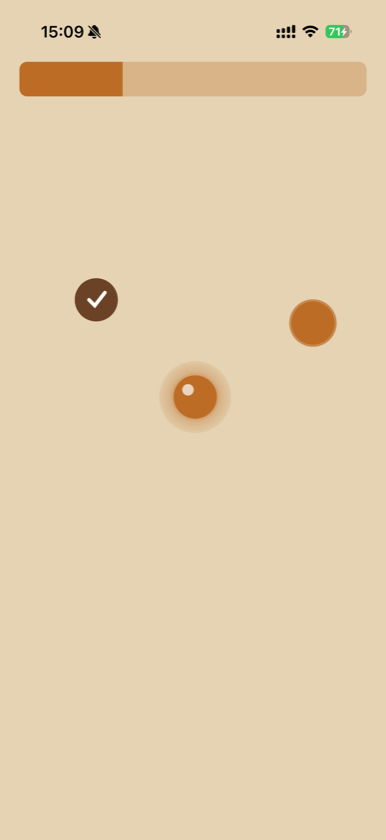
Tilt to the targets
Steer the ball onto each of the four dots by tilting the phone. Thirty seconds. A dot turns dark when you reach it.
-
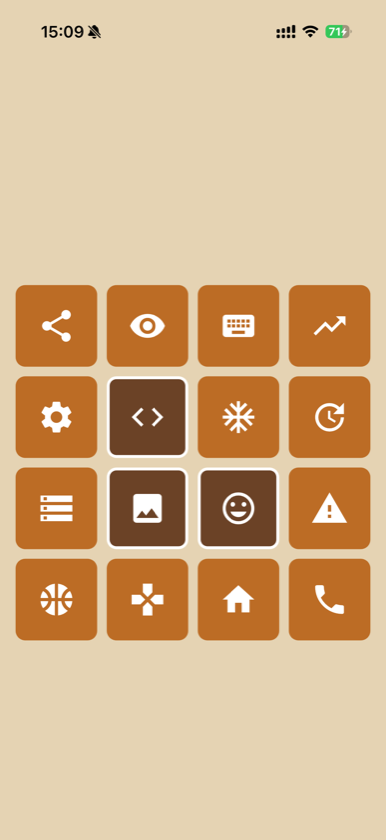
Pick the four out
From sixteen icons, tap the four you were shown.
-
Done
That is one run — about a minute. Offline results are held and sent when you next have signal.